Show the refinement, not just the result.
Upload your old and new logo as SVGs. Logo Morph animates every anchor point and handle from one to the other, and exports a 1080p video for your case study.
Runs in your browserYour logos never leave your computerNo sign-up
How it works
From two SVGs to a finished video in minutes.
No plugins, no installs and no timeline to keyframe.
 Step 1
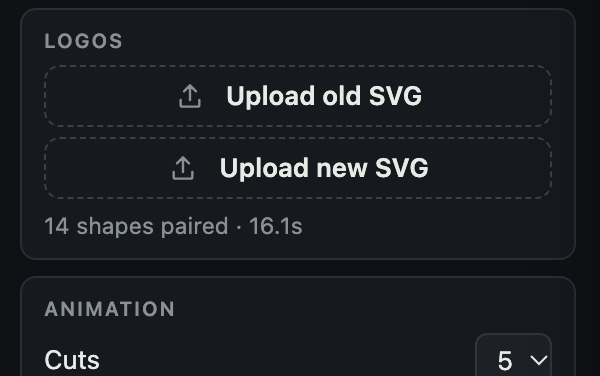
Upload old and new
Drop in your before and after logos as SVG files, exported with text outlined.
 Step 2
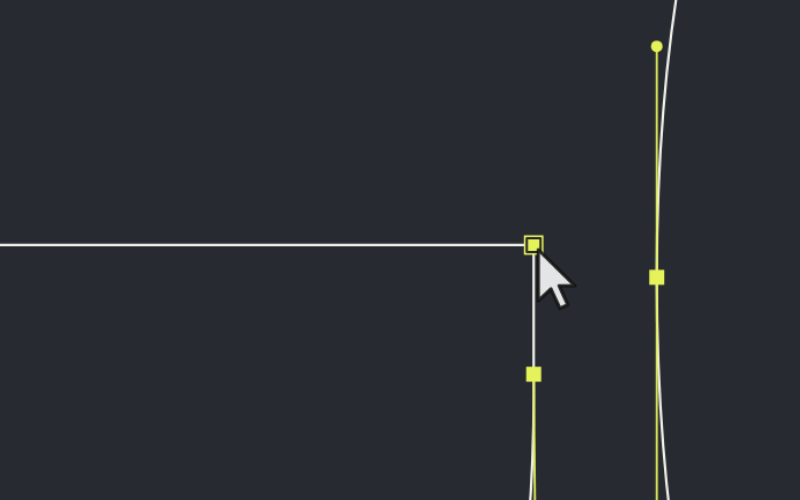
Make it yours
Choose close-ups, speed and colours. Pause any close-up to pick the point the cursor adjusts, drag to reframe, scroll to zoom.
 Step 3
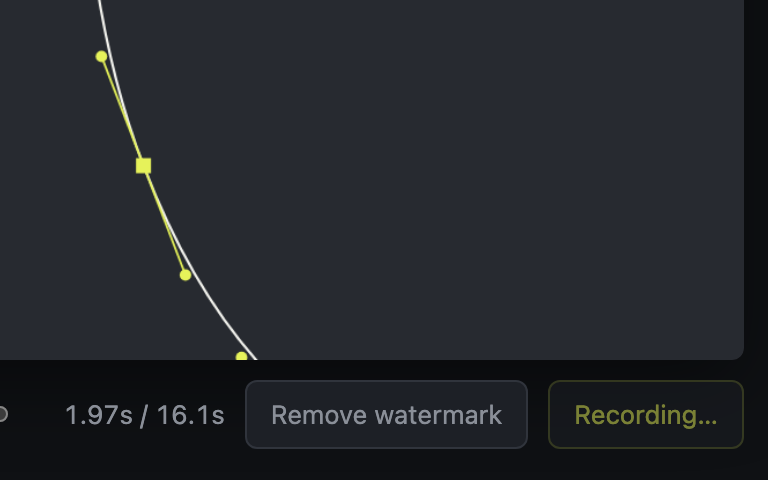
Record the video
Export the full refinement at 1920×1080: filled before, vector close-ups, filled after.
Features
Built around your real vector paths.
It reads the anchor points and handles in your files, so the animation shows how the logo was actually drawn.
Clean, smooth morphs
Every outline moves point by point: no overlaps, no folding, and sharp corners stay sharp.
Close-ups that matter
The tool frames the parts of the logo that change most, with a cursor adjusting a handle.
Your colours
Recolour the logo, backgrounds, outlines and handles to match your brand or your client's.
Frame every cut
Pan, zoom and choose the point under the cursor in each close-up. Your choices are remembered.
Private by design
Everything runs in your browser. Nothing is uploaded, so client work stays on your machine.
Ready to post
1080p video with an optional before / after slider, for case studies, portfolios and social posts.
Pricing
Free to use. Pro to export clean.
Every feature is in the free version. A Pro licence removes the watermark from your videos.
Pro
- Everything in Free
- No watermark on exports
- Use videos in client and commercial work
- Activate on your own computers
FAQ
Questions
Why SVG only?
The animation is built from your logo's real anchor points and handles, which only a vector file contains. Export an SVG from Illustrator, Figma, Affinity Designer or Inkscape with text converted to outlines. Pixel images like PNG and JPG have no points to animate.
What format are the videos?
1920×1080. Chrome, Edge and Safari save MP4; Firefox can only save WebM.
Are my logos uploaded anywhere?
No. The tool runs entirely in your browser and your files are never sent to a server. The only time it goes online is to check a Pro licence key.
Can I use the videos for client work?
Yes, with a Pro licence you can use exported videos in client and commercial projects. See the terms.
What if my logo doesn't morph cleanly?
The tool tells you if a file has overlapping or self-crossing paths. Select the shapes in Illustrator, use Pathfinder › Unite, and export again.
Does it work on a phone or tablet?
It's made for desktop browsers, where you have your SVG files and room to work.
Your next case study starts with the old logo.
Load your before and after, and see your refinement come to life in seconds.